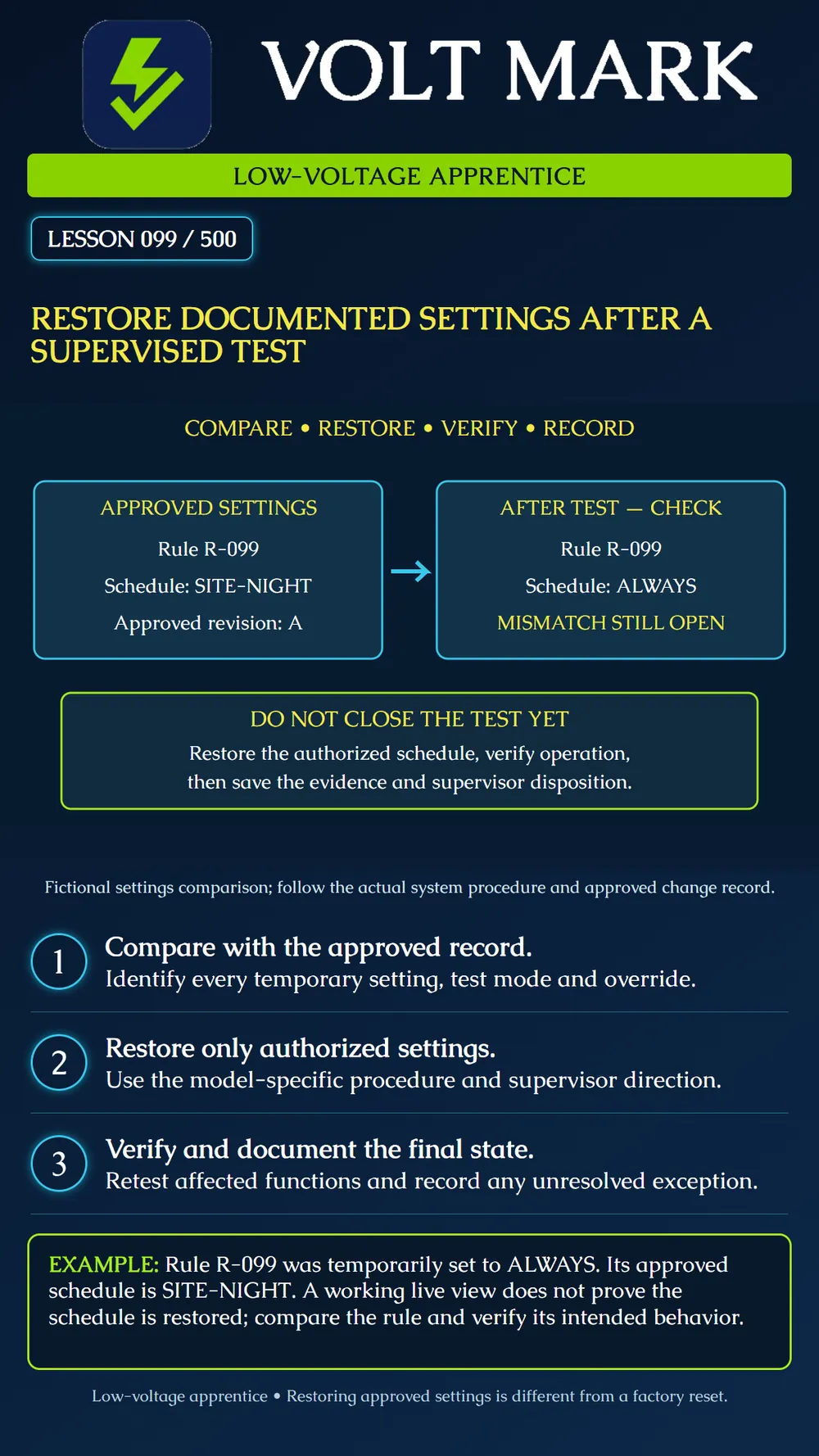
Compare the post-test state with an approved record, restore authorized changes under supervision, and document verification before closing the test.
A test can finish while temporary settings remain active. Prepare the restoration record before the test begins. Identify the actual system and device, the approved settings and revision, the planned temporary changes, the responsible supervisor and the intended verification. A screenshot can help, but the record must identify which configuration it belongs to.
The original state is not automatically the approved state. If the test exposes a pre-existing error or the design changes, ask the supervisor to resolve the correct target configuration. Do not blindly restore an old file over legitimate changes made by others.
AXIS Camera Station Pro action rules combine triggers, actions and schedules. A rule can therefore exist and still behave differently because one of these settings changed. Its manual also explains that edits to multiple selected rules can apply across the selected group. These details illustrate why the restoration check must identify the intended rule and scope, rather than assuming that a visible camera image confirms all settings.
Compare the final settings with the approved record and the test change log. List temporary schedules, test modes, overrides or other changes relevant to the actual system. Restore only the items authorized by the test plan and supervisor, following the manufacturer's instructions. Do not choose factory defaults as a shortcut; that can remove the commissioned configuration.
Verify both the recorded setting and the affected behavior using the approved test method. Saving a configuration value is not the same as proving the intended operation. Keep the verification within the authorized test window and coordinate with affected operators. For monitored or life-safety systems, the responsible qualified personnel must follow the applicable impairment, notification and return-to-service procedure. This generic lesson is not that procedure.
If a discrepancy remains, record it clearly with the responsible person and next action. Do not close a restoration item simply because no alarm is displayed. A general status indication does not establish that every temporary change has been cleared.
Approved rule: R-099. Approved schedule: SITE-NIGHT, revision A. Temporary test schedule: ALWAYS. Observed after test: ALWAYS. Result: restoration incomplete.
Under supervisor direction, restore the authorized schedule using the actual software procedure, compare the saved configuration with revision A and verify the intended behavior. Retain the result and supervisor disposition. SITE-NIGHT is a fictional schedule name; this lesson does not define its hours or prescribe a real security configuration.
System / asset / rule: Approved configuration and revision: Temporary change and reason: Authorized target state: Restoration performed by / time: Settings comparison evidence: Functional verification method and result: Outstanding exception / owner: Required notifications and acknowledgments: Supervisor disposition / closure time:
Review a fictional before-and-after settings list. Identify one matching setting and one unresolved change. Write the next action without inventing a successful restoration. No live system changes are part of this exercise.
AXIS Camera Station Pro User manual, Action rules, Configure multiple action rules and Schedules: https://help.axis.com/en-us/axis-camera-station-pro Used to establish configuration scope and schedule behavior, not as a universal restoration procedure.
Research note: A Bosch operation-manual URL redirected to a page with no readable manual text; no detailed Bosch procedure is asserted here. Scope: National apprentice fundamentals and supervised documentation. Actual authorization, notification and restoration procedures depend on the system and project.
Free study material for low-voltage apprentices. This is a national foundation course: requirements differ by state and by local jurisdiction, and a practice that is common in one place is not a rule everywhere. Nothing here is a licence, a certification, or authority to work unsupervised, and completing it does not count as apprenticeship hours or continuing-education credit. Check the codes adopted where you are working, the licensing authority for that work, and your employer's safety programme. VoltMark is not affiliated with, endorsed by, or sponsored by NFPA, OSHA, NICET, BICSI, FOA, or any state or local licensing authority.

Electrician licensing exam prep: practice questions, timed exam simulations, and step-by-step help finding every answer in the NEC.